A lot of small offices start the same way: someone buys a router from an electronics store, plugs it in, and the office is online. It works fine with a few people. Then the business grows. More staff, more laptops, a card reader at the front, phones running over the internet, and guests asking for the password. Suddenly calls break up, the back office drops off, and someone is restarting the router every afternoon.
That's usually not a bad internet plan. It's a home network trying to do a business network's job. Here's what's different and how to tell when it's time to upgrade.
Why Home Wi-Fi Struggles in an Office
Home routers are built for a household: a handful of people, a few phones, a TV, maybe a game console. A business asks much more of a network.
More devices at the same time
An office can have computers, phones, tablets, printers, payment terminals, and smart devices all connected at once. Consumer routers can slow down or drop connections when too many devices compete.
Bigger spaces and tougher walls
A single router in a front closet rarely covers exam rooms, a kitchen, a back office, and a waiting area. Walls, metal shelving, and appliances block signals, creating dead zones.
Real-time traffic like voice calls
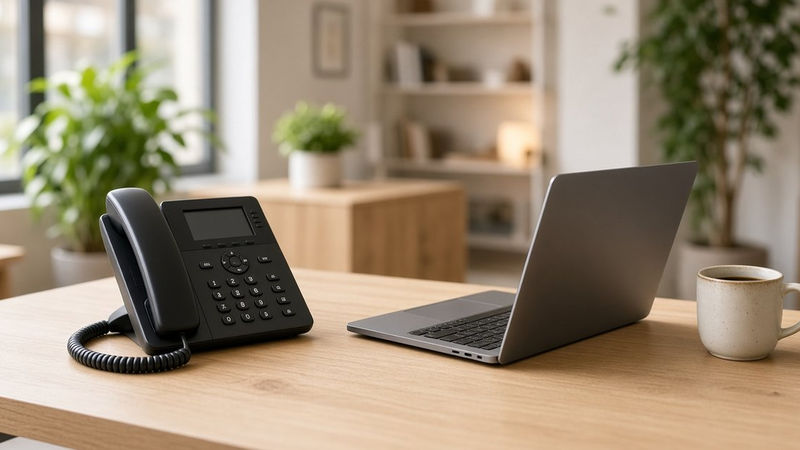
If your business phones run over the internet, as they do with a cloud phone system like RingCentral, your network has to handle live calls without choppy audio. Voice traffic is sensitive to delays in a way that browsing and email aren't.
Mixing staff and guest traffic
Many home setups put everyone on one network. In a business, you usually want customers and staff on separate networks.
What Business Wi-Fi Does Differently
Multiple access points working together
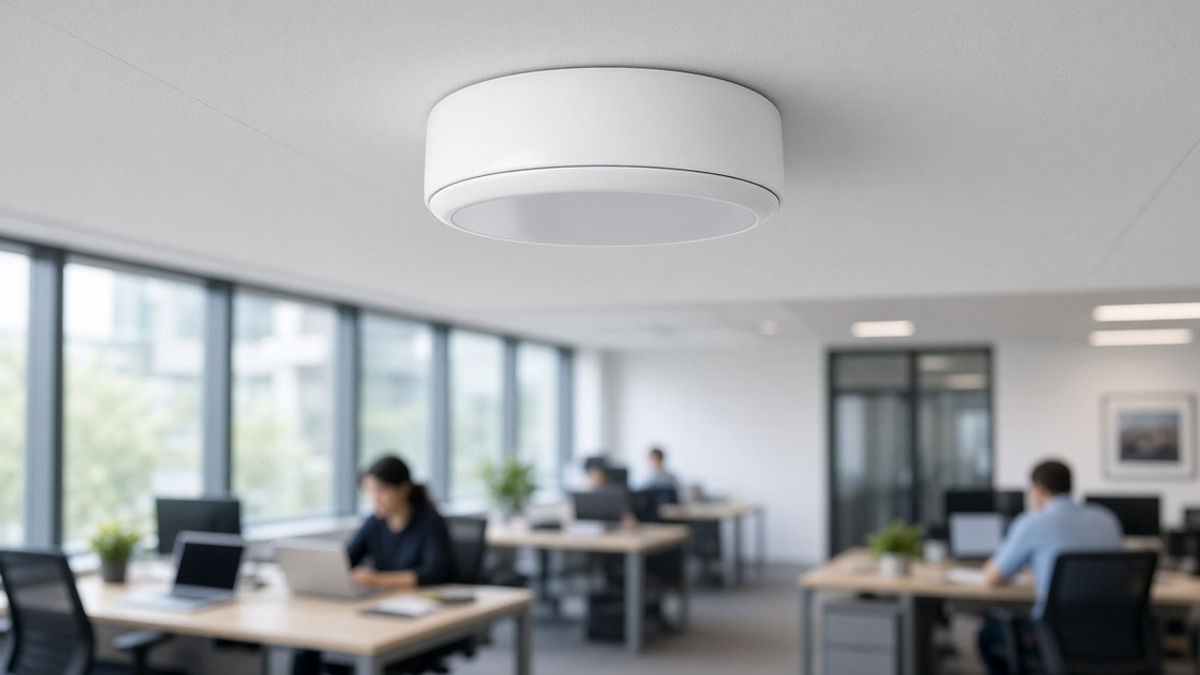
Instead of one box doing everything, business Wi-Fi uses access points, often mounted on the ceiling, placed around the space. Devices connect to the nearest one and move between them as people walk around.
Wired backbone
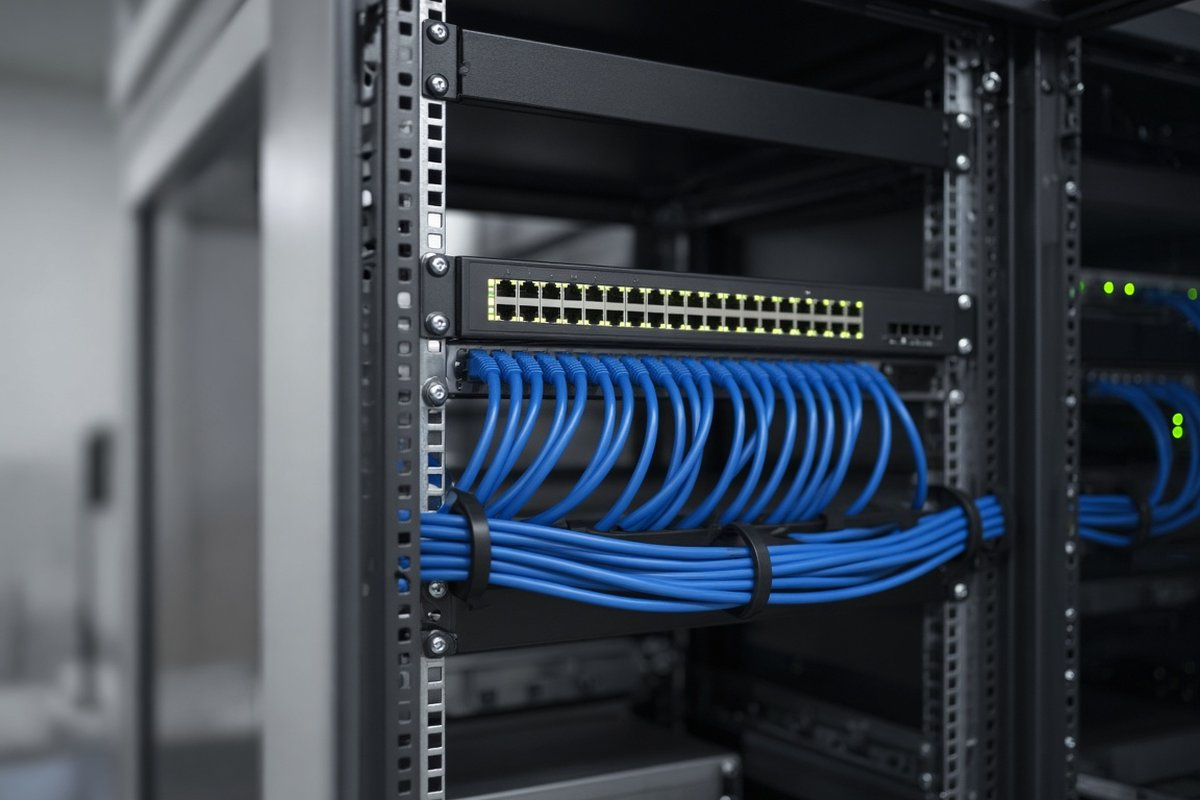
Access points connect back to a network switch over ethernet cabling. A solid wired foundation is what keeps wireless fast and stable, which is why good cabling is part of every good Wi-Fi project.
Traffic priorities
Business network gear can be set up to give voice and video calls priority, so a large download in the back office doesn't break up a phone call at the front desk.
Separate networks
You can run a private staff network, a guest network, and a separate network for devices like payment terminals or printers, each with its own rules.
Central management and monitoring
With managed Wi-Fi, your network can be monitored and updated from one place. Problems can often be spotted and fixed before your team notices.
Signs It's Time to Upgrade
- Calls get choppy or drop at certain times of day
- Some rooms have weak or no signal
- You restart the router to fix slowdowns
- Staff and guests share one Wi-Fi password
- You've added people or space since your network was set up
- Nobody is quite sure how the network was set up in the first place
If two or more of these sound familiar, your network is probably holding your business back.

What a Business Wi-Fi Project Looks Like
Every space is different, but a typical project follows a few steps:
- Walk-through. Look at the layout, walls, number of users, and the devices that need to connect.
- Design. Plan where access points go, how cabling will run, and how networks will be separated.
- Cabling and installation. Run ethernet to each access point and install the equipment neatly.
- Setup and testing. Configure networks and call priorities, then test coverage in every room.
- Ongoing support. Keep the network monitored and updated with managed Wi-Fi.
Good Wi-Fi Makes Everything Else Work
Your phones, card readers, cloud software, and customer experience all depend on the network underneath them. Upgrading from a home router to business-grade Wi-Fi is one of the most practical investments a growing office or restaurant can make.
Talk to Us About Your Network
1-800GetConnected is a RingCentral Partner that also provides business internet and Managed Wireless Network services, with network design and cabling powered by 1-800GetATech.com. If you're running RingCentral or planning the switch, we'll make sure your Wi-Fi is ready for clear calls in every room. Call us at (877) 849-9995 to schedule a network consultation.
1-800GetConnected.com is a RingCentral Partner.
Talk to 1-800GetConnected
Call (877) 849-9995 or request a free quote for your business.