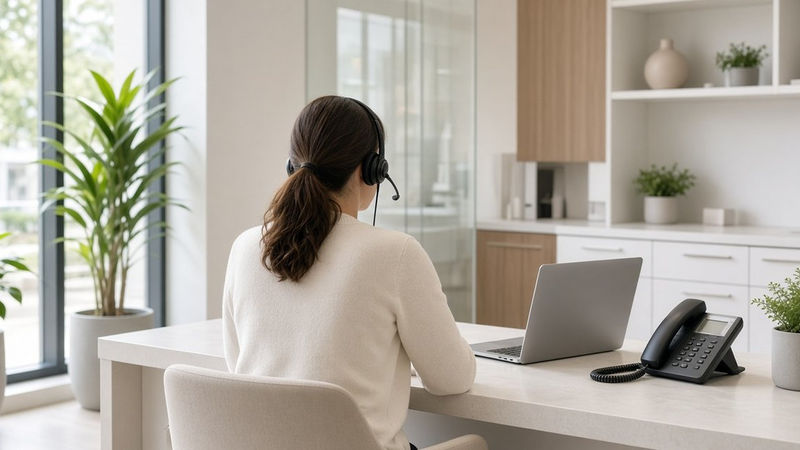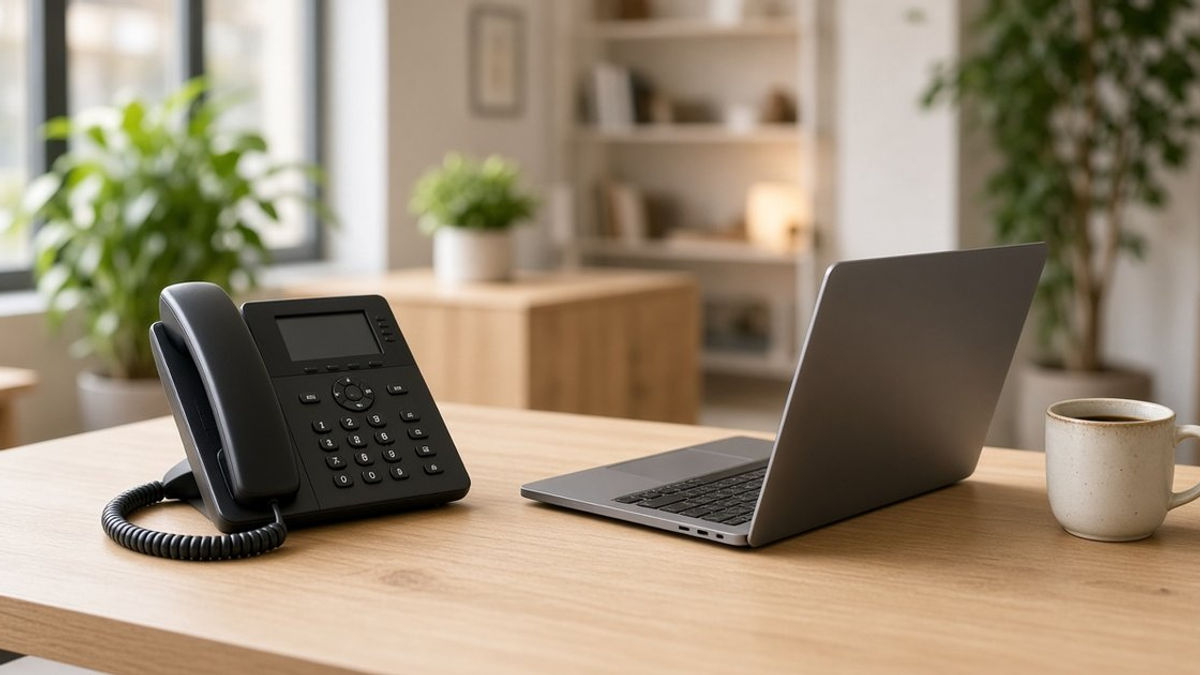
For years, a business phone system meant copper lines, a wall jack, and a box in the back closet. It worked, so nobody touched it. Now more businesses are asking: should we move our phones to the cloud?
If your office runs five or more lines, this Telecom Thursday is for you. Here's a plain-English look at how traditional landlines and VoIP (Voice over Internet Protocol) phone systems compare, what actually changes when you switch to RingCentral, and what stays the same.
How Traditional Landlines Work
A traditional business line runs over physical copper wiring from the phone company to your building. Each line carries one call at a time. If you want more lines, extensions, or features like call transfers, you usually need on-site hardware to tie it all together.
That setup has a few built-in limits:
- Your phones are tied to your building. Calls ring at the desk, and if nobody's there, they go to voicemail or get forwarded with extra steps.
- Changes take time. Adding a line, moving a desk, or changing how calls ring often means a service call.
- Features are limited. Things like voicemail to email, a mobile app, or detailed call history are hard to get on an older system.
How a Cloud Phone System Works
With VoIP, your calls travel over your internet connection instead of dedicated copper lines. A cloud phone system like RingCentral runs the "phone system" itself in the cloud, so there's no big box in the closet to maintain.
Your team can make and take calls on desk phones, computers, and smartphones, all using your business number. Settings like who answers which calls, business hours, and greetings are managed online instead of by rewiring hardware.
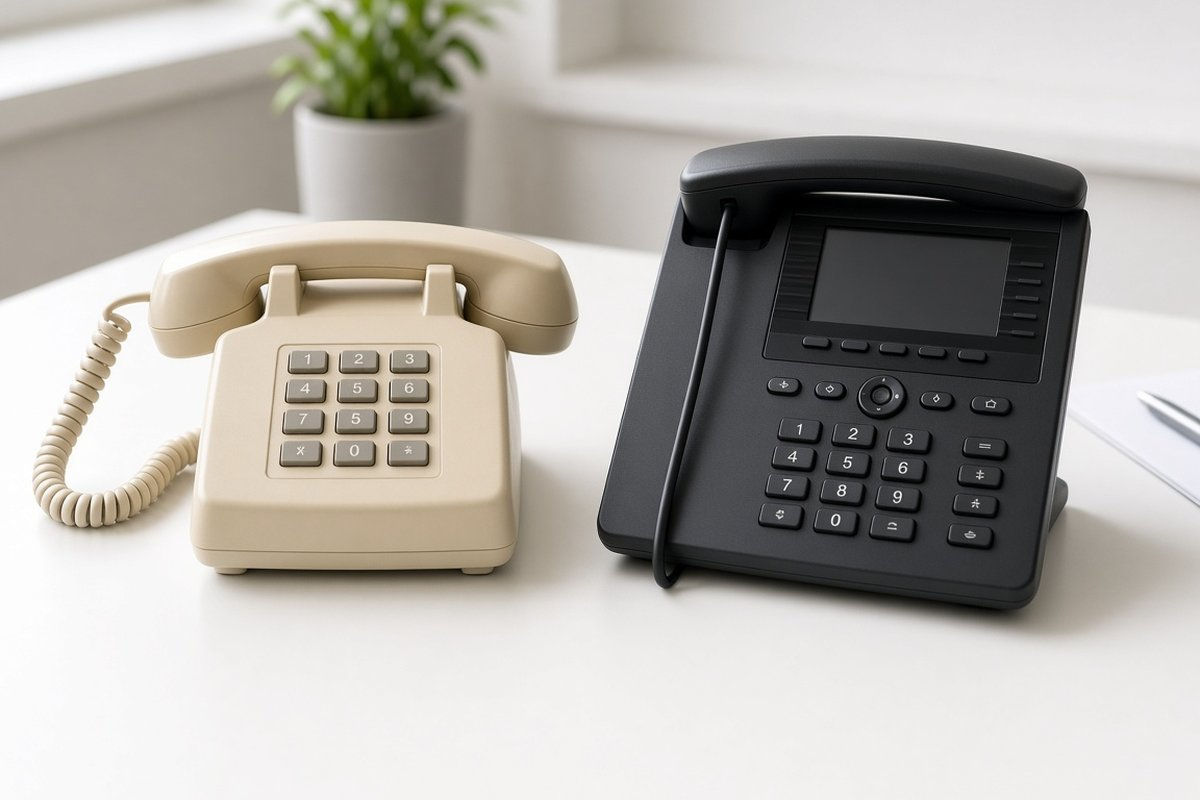
What Stays the Same
Switching doesn't mean starting over. A few things your customers rely on don't have to change.
Your phone number
In most cases, you can bring your existing business numbers with you to RingCentral through a process called number porting. Your customers keep calling the same number they always have. We'll cover this in more detail in an upcoming Sunday Q&A.
Picking up a phone and answering
Your team can still use desk phones at the front desk and in offices. For most people, answering and placing calls feels just like it always did.
A professional first impression
Callers still hear a greeting, reach the right person, and leave a message when needed, with more control on your side.
What You Gain
This is where the switch starts to pay off in day-to-day work.
An auto-receptionist
An auto-receptionist answers calls and routes them with simple menu options, like "press 1 for scheduling." You can set different greetings and routing for business hours, after hours, and holidays.
Your business line on your phone
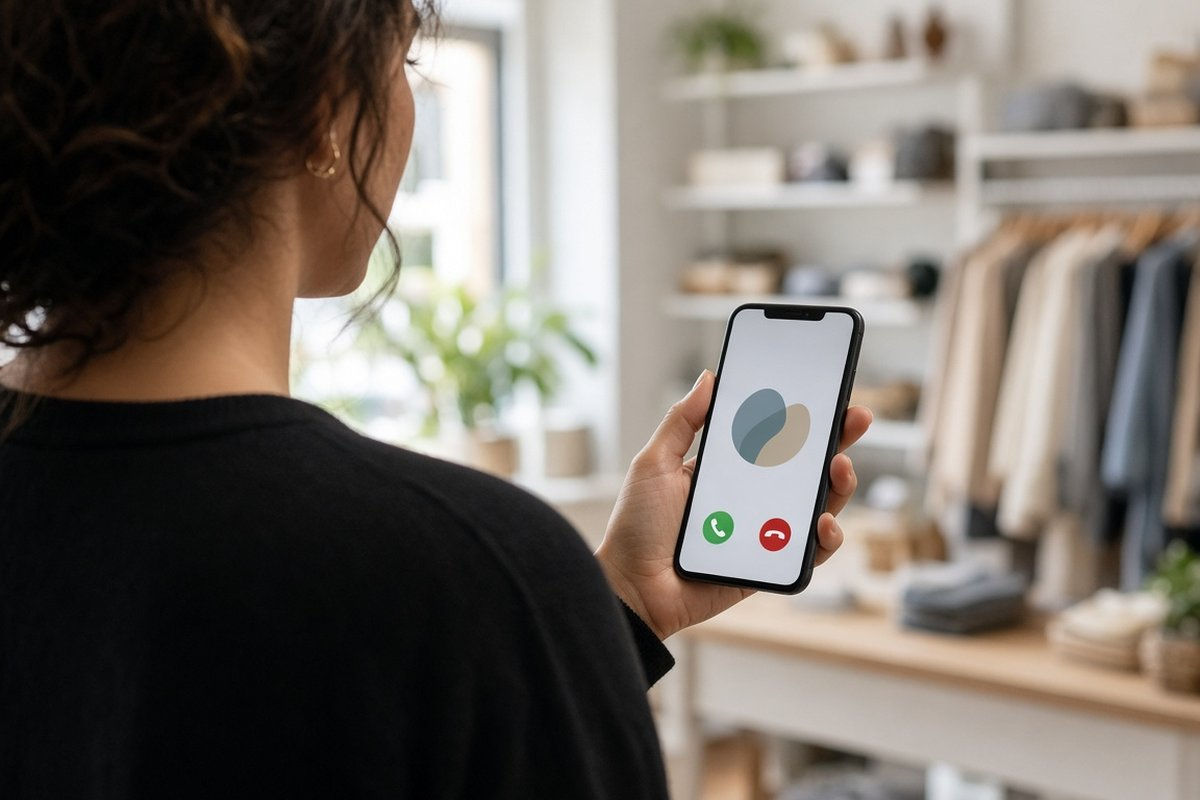
With the RingCentral app, your team can make and take calls using the business number from a smartphone. Your personal cell number stays private, and you don't miss calls when you step away from the desk. We covered this in our recent Mobile Monday post.
Voicemail to email
Voicemails can arrive in your inbox, so you can listen and respond without dialing in. Our Tech Tip Tuesday post walked through how to set it up.
Easier changes
Adding a new team member, changing call routing, or updating your hours can be handled online instead of waiting on a service visit.
What You Need Before You Switch
A cloud phone system is only as good as the connection underneath it. Before you move your phones, make sure you have:
- Reliable business internet. Voice calls need a steady connection, not just a fast one.
- A network that can handle voice. As we explained on Wireless Wednesday, a home-style router can struggle in a busy office. Business-grade Wi-Fi and network settings that prioritize voice traffic help keep calls clear.
- Solid cabling. Wired connections to desk phones and access points make everything more stable.
- A plan for your call flow. Think about who should answer which calls, what happens after hours, and how calls should reach people on the go.
Is It Time to Switch?
If your current system is hard to change, ties your team to their desks, or leaves you missing calls, it may be time. Start with a simple review of how your business uses its phones today.
Get a Free Phone System Review
1-800GetConnected is a RingCentral Partner that helps businesses with five or more lines move to RingCentral cloud phones. We can also handle your business internet, Managed Wireless Network, and network cabling, with tech services powered by 1-800GetATech.com, so your phones and network are ready together. Call us at (877) 849-9995 to schedule your free phone system review.
1-800GetConnected.com is a RingCentral Partner.
Talk to 1-800GetConnected
Call (877) 849-9995 or request a free quote for your business.