It’s one of the first questions we hear when a business is thinking about a new phone system: “Will it work with what we already use?” Nobody wants to switch phones and then find out the team has to copy caller details by hand, flip between five windows, or give up the calendar they rely on.
The short answer for most businesses is yes. RingCentral connects with many of the tools small and mid-sized businesses use every day. The longer answer depends on your exact software, so here’s how it breaks down and how to check your own setup.
Microsoft 365, Teams and Outlook
If your business runs on Microsoft 365, you’re in good shape. This is where we get the most questions about RingCentral integrations.
Microsoft Teams
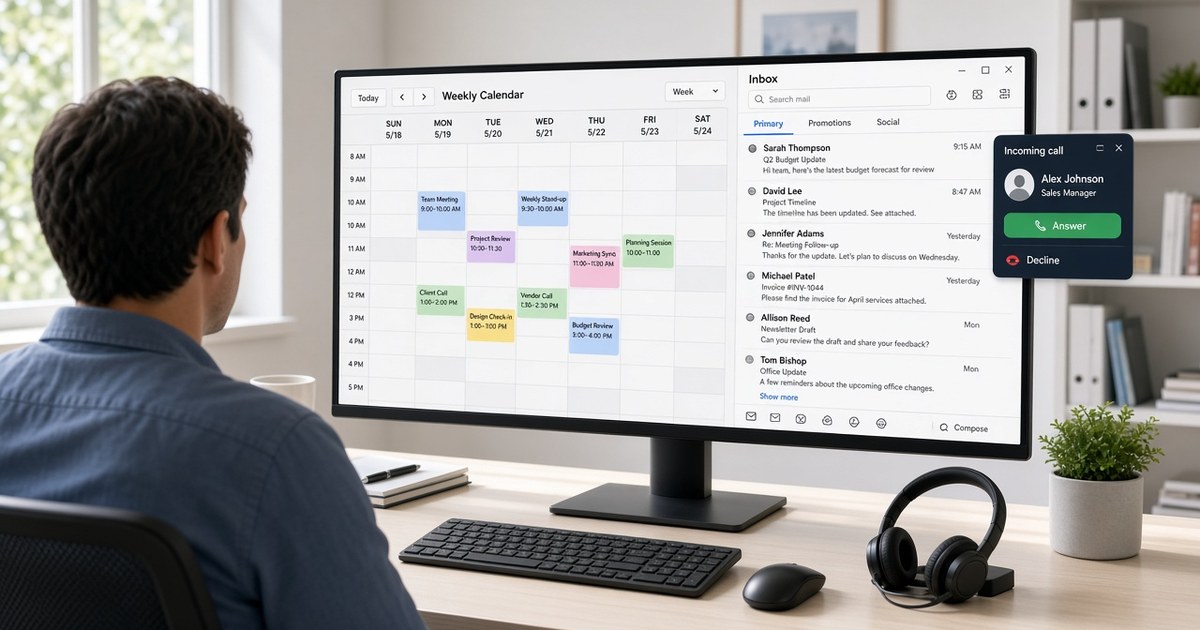
Many teams already chat and meet in Microsoft Teams. RingCentral offers apps and integrations for Teams, so staff can make and take business phone calls without leaving the Teams window. Your business numbers, call routing and voicemail stay on RingCentral, while the day-to-day work stays in the tool your team already knows.
Outlook and your contacts
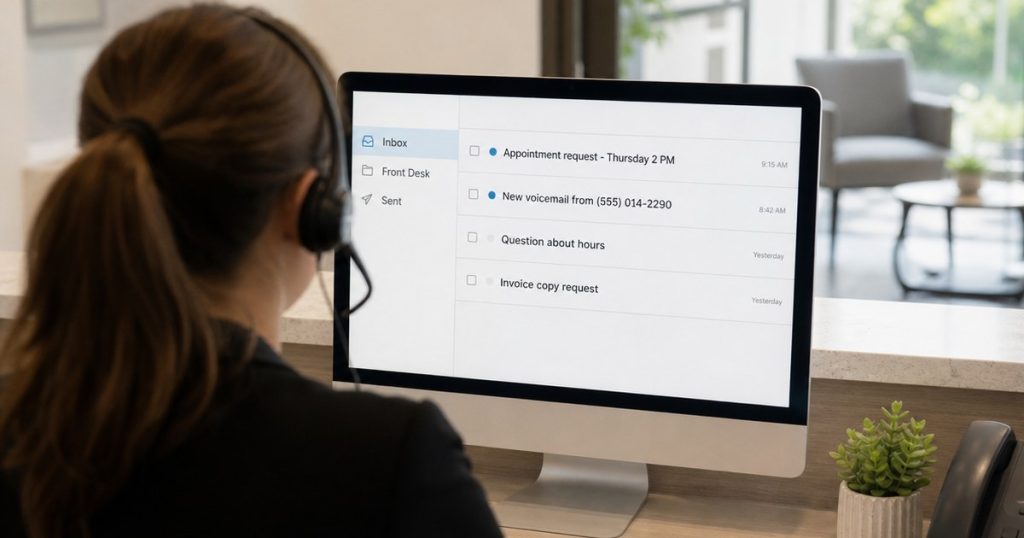
RingCentral also works with Outlook. Depending on the setup, your team can click to call a contact, schedule a RingCentral video meeting from the calendar, and see contacts from Microsoft 365 inside the RingCentral app. Voicemail notifications can go straight to an Outlook inbox, including a shared front desk mailbox.
Google Workspace
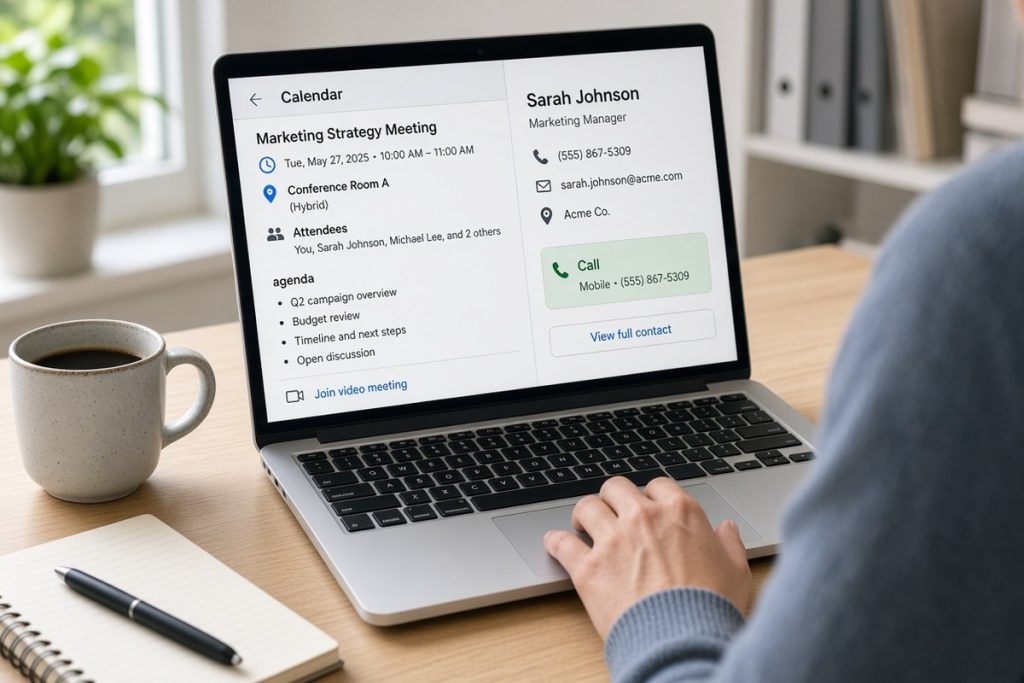
Not everyone uses Microsoft. If your business runs on Gmail, Google Calendar and Google Contacts, RingCentral has Google integrations too. Common uses include adding video meeting links to Google Calendar events, calling contacts with a click, and syncing contacts so the right name shows up when a customer calls.
CRMs and Other Business Apps
This is where integrations can save the most time. When your phone system talks to your CRM, a call can bring up the customer’s record, and calls can be logged to the account without anyone typing notes after the fact.
RingCentral publishes integrations for many popular CRM, help desk and productivity tools, including names like Salesforce, HubSpot and Zendesk. RingCentral’s App Gallery is the place to look up what’s available. Search for your software by name and read what the integration actually does.
Industry Software: Ask Your Partner to Check
Dental offices, law firms, property managers, auto shops and medical practices often run specialized software that isn’t a household name. Some of these programs have a direct RingCentral integration, some connect through a third-party tool, and some don’t connect at all.
This is a good place to lean on your RingCentral partner. Give us the name and version of the software you use, and we can help look into what’s possible before you make any decision. It’s much better to know up front than to find out after go-live.
How to Evaluate an Integration
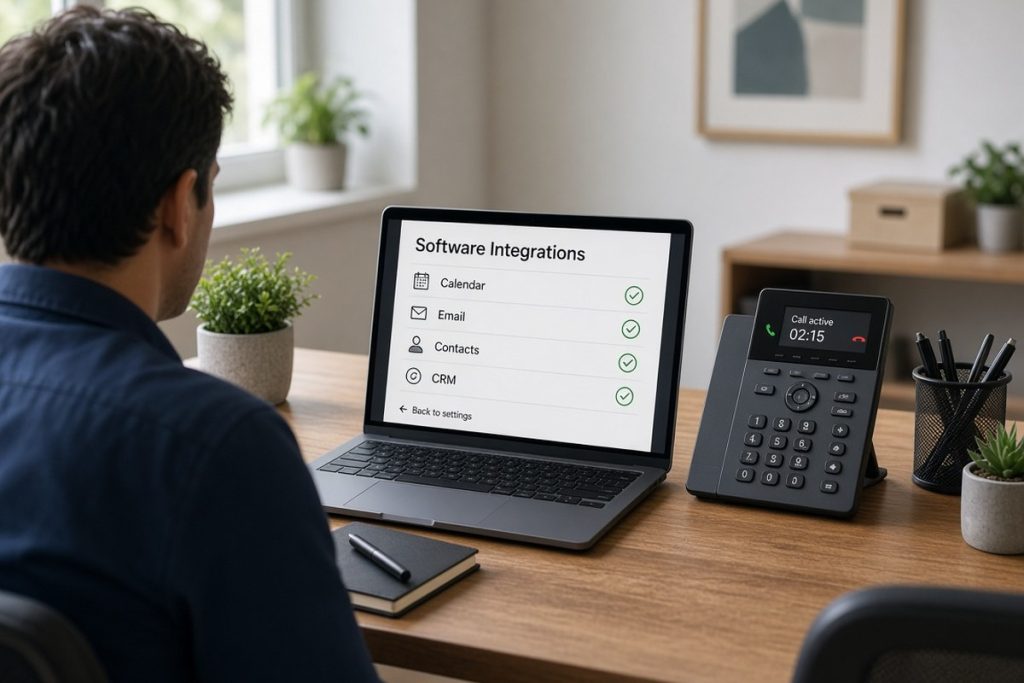
“It integrates” can mean a lot of different things. Before you count on one, ask these questions:
- What does it actually do? Click to call, caller pop-ups, automatic call logging and contact sync are all different features. Make a list of the ones you need.
- Who builds and supports it? An integration built by RingCentral or the software maker is usually easier to get help with than one from an outside developer.
- Does it need a specific plan or license? Some integrations require a certain RingCentral plan, or a certain edition of your other software. Check both sides.
- Who sets it up? Some take a few clicks. Others need an admin to connect accounts and set permissions.
- Can you test it first? If possible, try it with one or two users before rolling it out to the whole office.
Write down your must-haves
Before talking to anyone, list the three or four programs your team uses all day. Note what would make life easier, such as “see who’s calling before I answer” or “log calls to the customer file.” That short list makes the conversation faster and the answer clearer.
Ask Us About Your Software
Not sure whether RingCentral will work with your tools? Ask us. 1-800GetConnected is a RingCentral Partner serving businesses with 5 or more lines, and we also provide Managed IT, including Microsoft 365 setup and support. Tell us what software you use, and we’ll help you figure out what connects and how. Schedule a free 30-minute call to talk it through.
1-800getconnected.com is a RingCentral Partner.
Talk to 1-800GetConnected
Book a free 30-minute call or request a free quote for your business.