
Thanksgiving week is here, and for a lot of businesses that means shorter hours, a skeleton crew, or a full day or two closed. Your customers will still call. What they hear when nobody picks up says a lot about your business.
A quick holiday voicemail greeting tells callers you’re organized, sets expectations about when they’ll hear back, and points them to help if something can’t wait. The good news: if your business uses RingCentral, you can record a new greeting right from your phone in a few minutes. Here are scripts you can use today, plus the simple steps to set it up and switch it back.
Why Update Your Greeting for the Holidays
Your everyday greeting probably says something like “We’re away from the phone right now.” During a holiday closure, that isn’t quite true, and callers may wonder why nobody calls back for two days.
A holiday greeting fixes that. It:
- Sets expectations. Callers know when you’re closed and when you’ll be back.
- Reduces repeat calls. People are less likely to keep calling if they know the office is closed.
- Routes urgent issues. If you have an on-call number or an email that gets checked, you can say so.
- Shows you care about details. A warm, current message feels professional.
Three Holiday Voicemail Scripts You Can Use
Keep your greeting short, clear and friendly. Aim for about 20 to 30 seconds. Swap in your own business name, dates and contact details.
Script 1: Closed for the holiday
“Hi, thanks for calling [Business Name]. Our office is closed on Thursday and Friday for the Thanksgiving holiday. We’ll be back on Monday, [date], at [time]. Please leave your name, number and a short message, and we’ll return your call when we’re back. Happy Thanksgiving, and thanks for calling.”
Script 2: Reduced holiday hours
“Thanks for calling [Business Name]. This week we’re open on a holiday schedule: [days and hours]. We’re closed on Thanksgiving Day. If you’ve reached us outside those hours, please leave a message with your name and number and we’ll call you back on our next business day. We appreciate you, and we hope you have a wonderful holiday.”
Script 3: On-call or urgent help
“Hello, you’ve reached [Business Name]. Our office is closed for the holiday and will reopen on [date]. If this is urgent, please [call our on-call line at (xxx) xxx-xxxx / email us at your-email]. For everything else, leave a message and we’ll get back to you when we reopen. Thank you, and happy holidays.”
Record It from the RingCentral App
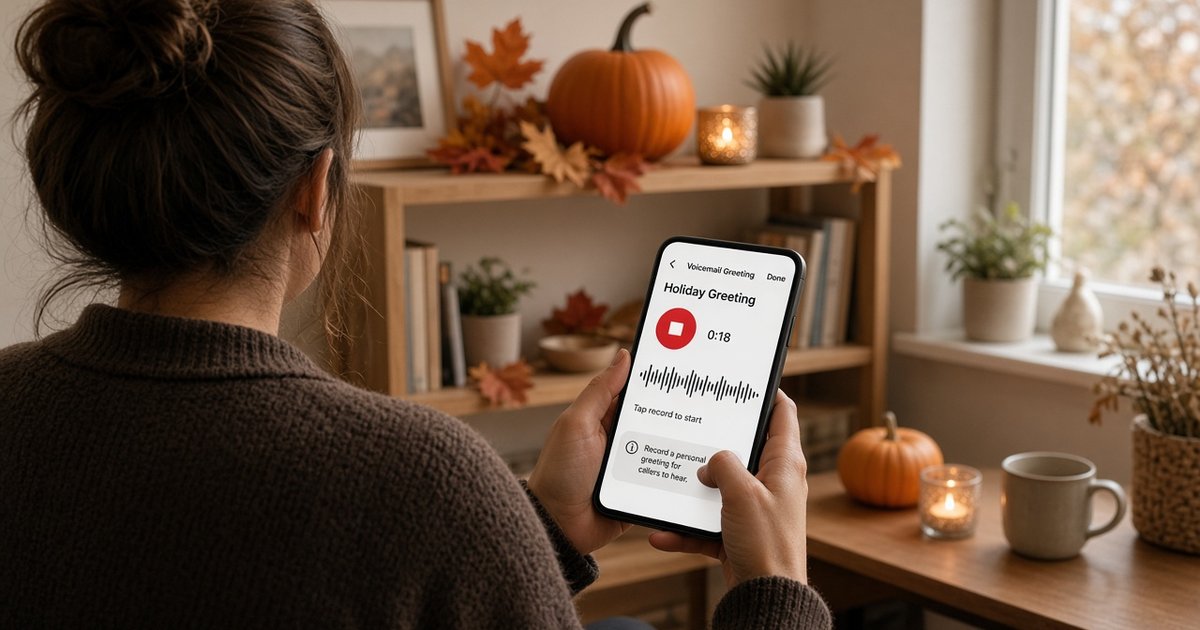
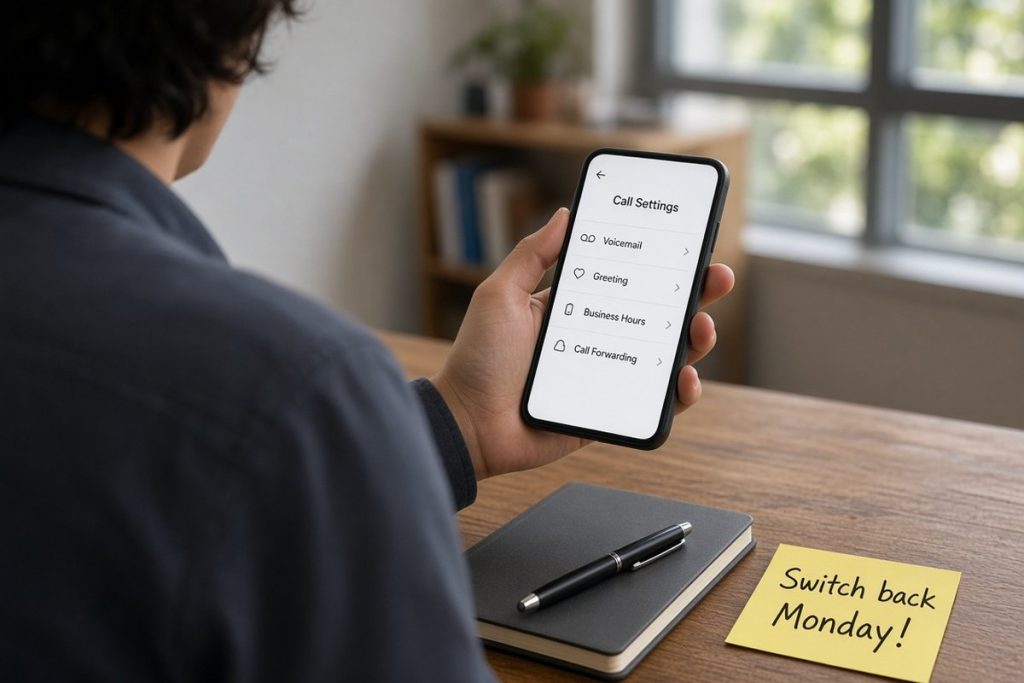
You don’t need to be at your desk or on a desk phone to change your greeting. In the RingCentral app on your phone, open your settings and look for your voicemail greeting options. From there, you can record a new greeting with your phone’s microphone, listen back, and save it.
A few tips for a clean recording:
- Find a quiet spot. Close the door and turn off music or the TV.
- Hold the phone a few inches away. Speak at a normal pace and smile while you talk. It comes through in your voice.
- Read from your script. Writing it out first keeps it short and avoids “ums.”
- Play it back. If it sounds rushed or there’s background noise, record it again.
Main number vs. your own extension
Your personal voicemail greeting is only part of the picture. If callers reach your company’s main number, they may hear an auto-attendant or company greeting first. Those are usually set by the account administrator, along with holiday hours and call handling rules. If you’re not the admin, check with whoever manages your phone system so the main greeting matches your holiday schedule too.
Set an Outlook Auto-Reply to Match
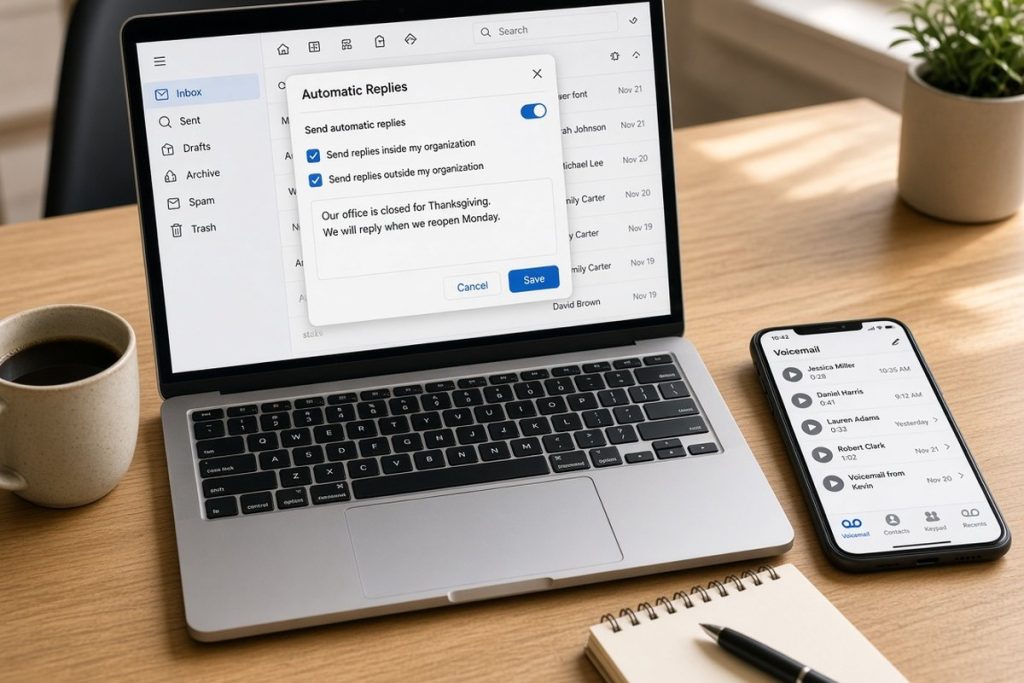
Many customers email instead of calling. Set an automatic reply in Outlook with the same information as your voicemail: when you’re closed, when you’ll be back, and who to contact for urgent issues. Using the same wording in both places keeps your message consistent and avoids confusion.
Set a Reminder to Switch Back
This is the step people forget. A holiday greeting that’s still playing in mid-December makes callers wonder whether you’re open at all.
Before you record the holiday greeting, set a reminder on your phone or calendar for the morning you reopen. When it goes off:
- Switch your voicemail back to your regular greeting.
- Turn off your Outlook automatic reply.
- Call your own number to make sure everything sounds right.
If you plan to close again for the December holidays, save your scripts somewhere handy. You can update the dates and record a new version in minutes.
Need Help with Holiday Call Rules?
A good greeting is a great start, but holiday hours, call forwarding and auto-attendant rules are what make sure every call goes to the right place. We quote and set up RingCentral for businesses with 5 or more lines. We can help you set up holiday schedules, greetings and call handling so you can enjoy the time off. Schedule a free 30-minute call to talk it through.
Talk to 1-800GetConnected
Book a free 30-minute call or request a free quote for your business.