

It’s one of the first questions business owners ask when they think about a new phone system: “If I switch, do I lose my number?”
It makes sense to worry. Your number is on your website, your business cards, your truck, your online listings and in your customers’ phones.
The good news: in most cases, you can keep your business phone number when you switch to RingCentral. The process is called number porting, and this Sunday Q&A walks through how it works in plain language.
What Is Number Porting?
Number porting means moving your existing phone number from your current provider to a new one. The number stays the same. What changes is the company and the system behind it.
Once the port is complete, calls to your number ring on RingCentral instead of your old phone line.
Porting usually works for:
- Local numbers, like your main office line
- Toll-free numbers, like 800, 888 or 877 numbers
- Fax numbers, if you still use them
- Direct lines for individual employees
Whether a specific number can move depends on the number and where it’s located, so the first step is always a quick check.
What You’ll Need to Port Your Number
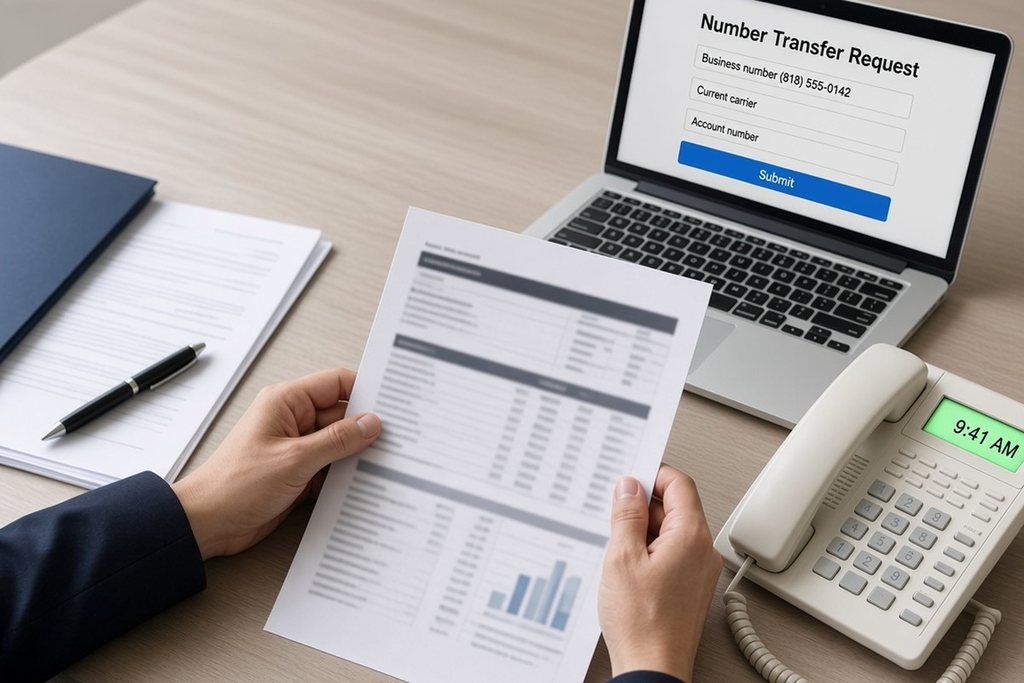
Porting is mostly paperwork. Your current provider needs proof that you own the account before they’ll release the number.
Account details from your current provider
- Account number from your current phone bill
- Account PIN or passcode, if your provider uses one
- Name and service address exactly as they appear on the account
- Billing telephone number, the main number tied to the account
A recent bill
A copy of a recent phone bill helps confirm the details above. Small mismatches, like an old address or a different business name, are a common reason port requests get held up.
Signed authorization
You’ll sign a Letter of Authorization (LOA). It’s a simple form that gives permission to move the number on your behalf. The person who signs should be authorized on the account.
How the Porting Process Usually Goes
Every port is a little different, but the steps usually look like this:
- Check the numbers. Confirm which numbers you want to move and that they can be ported.
- Set up your new system first. Users, extensions, greetings and call routing get built in RingCentral before the switch.
- Submit the port request. The LOA, account details and bill go to RingCentral, which requests the number from your current provider.
- Wait for the port date. Your current provider reviews and approves the request. Timing depends on the providers and the type of number.
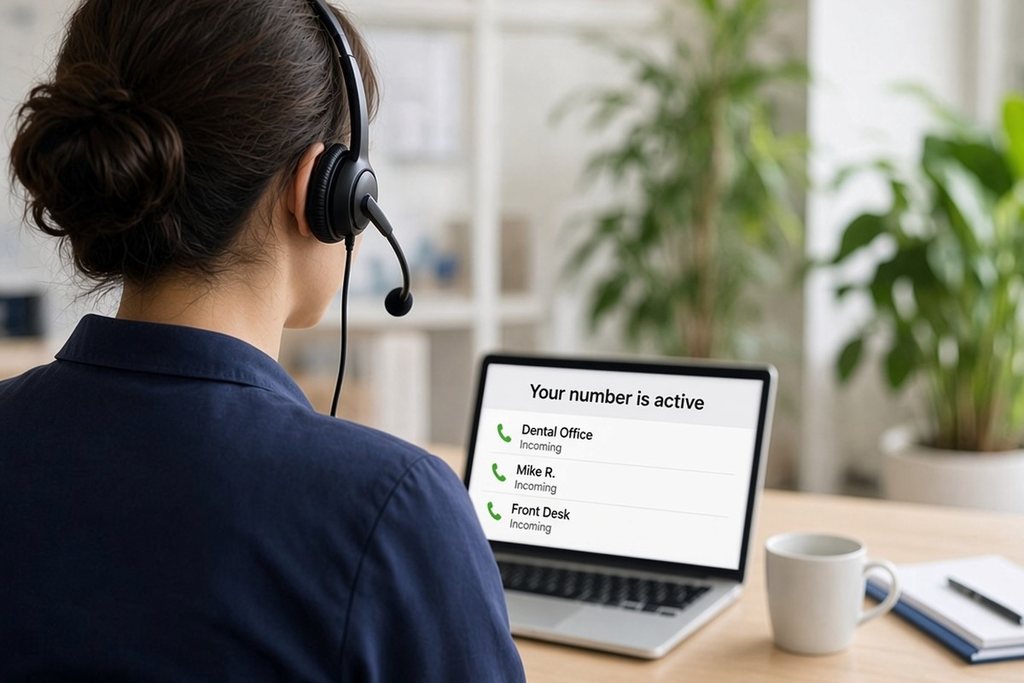
- Go live. On the port date, calls start ringing on RingCentral. A few test calls confirm everything works.
During the wait, your old phones keep working as usual, so your business stays reachable.
Don’t Cancel Your Old Service Yet
This is the most important tip in this post: don’t cancel your old phone service until the port is complete.
If you cancel first, your old provider may release or disconnect the number, and getting it back can be difficult or impossible. Keep the old account active until you’ve confirmed calls are ringing on RingCentral.
Common Questions About Keeping Your Number
Will my phones go down during the switch?
The goal is a smooth handoff. Because the new system is set up ahead of time, calls move over on the port date. Planning the go-live for a slower time of day helps.
Can I port some numbers and not others?
Usually, yes. Many businesses move their main line and toll-free number and drop lines they no longer use.
Let a Partner Handle It for You
Porting isn’t hard, but it’s detail work, and a single mismatched field can slow things down. Working with a partner means someone else gathers the paperwork, checks the details, submits the request and tracks it until your number is live.
1-800GetConnected is a RingCentral Partner that helps businesses with five or more lines move to RingCentral cloud phones, including number porting, setup and training. We also help with business internet and Managed IT, so your network is ready for the switch. On-site tech services are powered by 1-800GetATech.com.
Know another business that’s been putting off a phone upgrade? Refer them, and when they sign up, you get a $50 Visa gift card. Terms apply.
Keep Your Number, Upgrade Your Phones
You don’t have to choose between a better phone system and the number your customers already know. Schedule a free 30-minute call to find out how to bring your business number to RingCentral.
1-800GetConnected.com is a RingCentral Partner.
Talk to 1-800GetConnected
Book a free 30-minute call or request a free quote for your business.