Your main greeting is often the very first thing a new customer hears from your business. A clear, friendly greeting sounds professional and gets callers to the right person fast. A long, confusing one can send them to someone else.
With RingCentral’s auto-receptionist, a short script and a few minutes of setup, your business can answer every call like a well-run front desk. This Tech Tip Tuesday walks you through it.
What the Auto-Receptionist Does
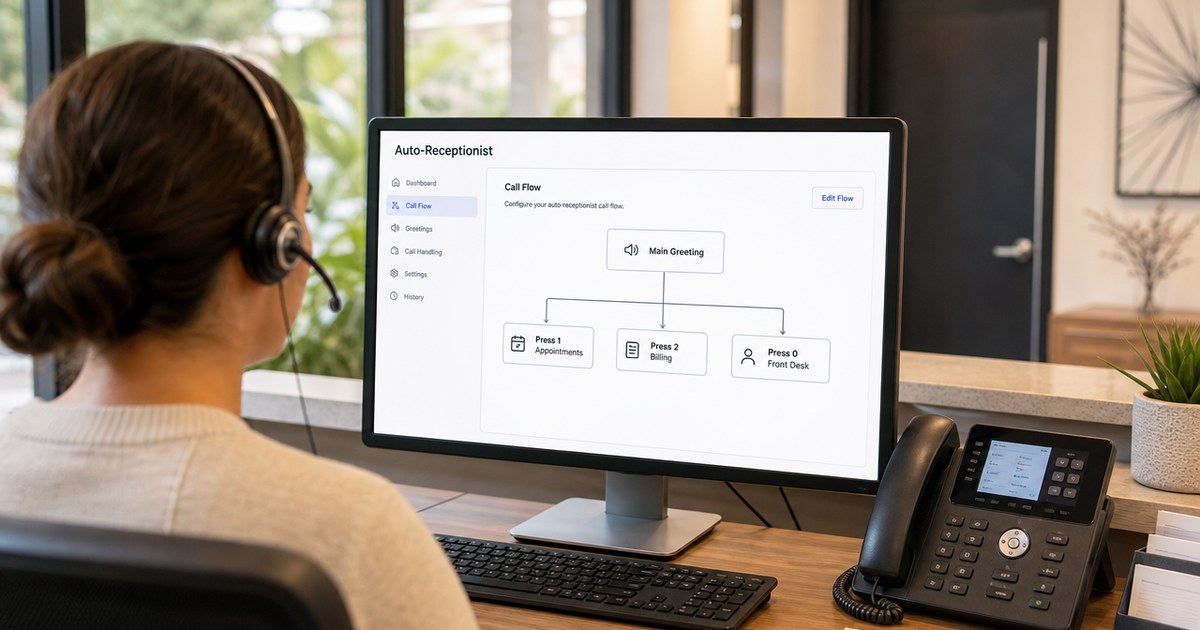
The auto-receptionist (sometimes called an IVR, or interactive voice response) answers your main number, plays a greeting and lets callers choose where to go by pressing a key. For example, “press 1 for appointments” can ring your front desk, while “press 2 for billing” goes to your office manager.
It can also play a different greeting after hours, so evening callers hear your hours and can leave a voicemail.
A Simple Script Template
Write your greeting before you record anything. Read it out loud and time it. Aim for about 20 to 30 seconds for the whole menu.
Template for offices
“Thank you for calling [Business Name]. If you know your party’s extension, you may dial it at any time. For appointments, press 1. For billing, press 2. For directions and hours, press 3. To reach our front desk, press 0.”
This works well for a dental office, a medical practice, a law firm or any service business with a front desk.
Template for restaurants
“Thanks for calling [Restaurant Name]. For reservations, press 1. For takeout or catering orders, press 2. For our hours and location, press 3. To speak with a team member, press 0.”
After-hours version
“Thank you for calling [Business Name]. Our office is currently closed. Our hours are [days and times]. Please leave a message after the tone, and we’ll return your call on the next business day.”
Keep the Menu Short
Callers remember only a few options at a time. A few simple rules keep your menu easy to follow:
- Stick to three or four options. If you need more, you may be trying to do too much in one menu.
- Put the most-requested option first. If most people call to book appointments, make that “press 1.”
- Say the reason, then the number. “For billing, press 2” is easier to follow than “Press 2 for billing,” because callers hear what they need before the key to press.
- Always offer a way to reach a person. “Press 0” for the front desk or operator keeps frustrated callers from hanging up.
Record Your Voice or Use Text-to-Speech
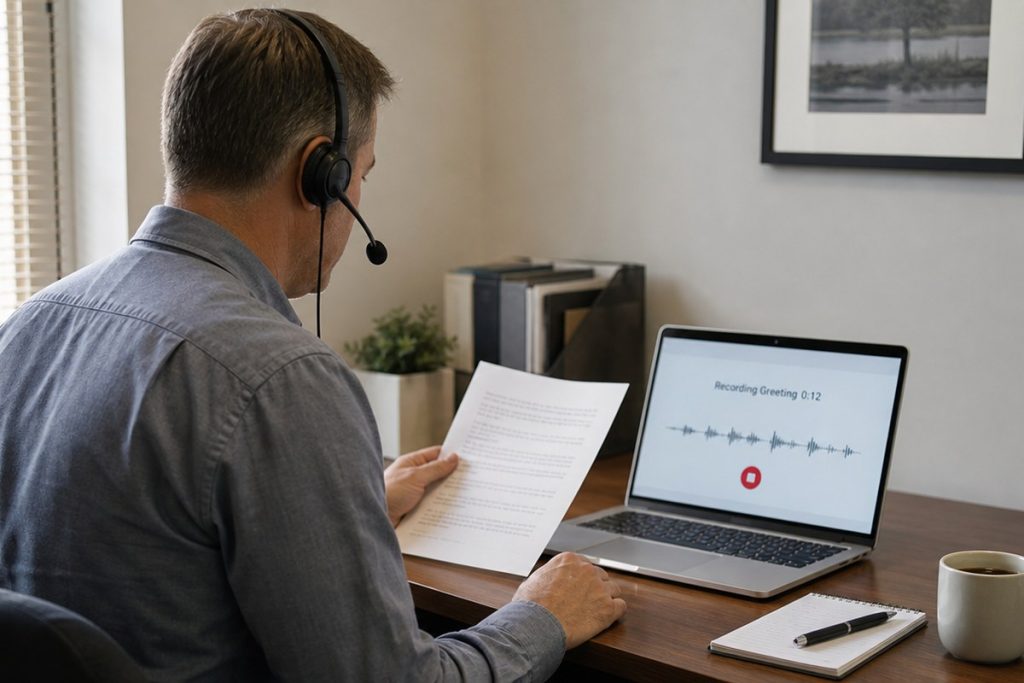
RingCentral gives you a few ways to add your greeting. In the RingCentral admin portal, open the auto-receptionist or IVR settings for your main number, then choose how you’d like to add the greeting. The exact options can vary by plan and version, so if something looks different, check RingCentral’s help pages or ask us.
Recording your own voice
A real voice feels warm and personal. For a clean recording:
- Use a headset or a good microphone rather than a speakerphone.
- Pick a quiet room away from printers, music and street noise.
- Smile while you speak. It really does come through in your voice.
- Speak a little slower than normal and pause briefly between options.
Using text-to-speech
If you’d rather not record, type your script and let the system read it. This makes quick changes, like holiday hours, easy. Listen to the result and adjust any wording that sounds awkward.
Map each key to the right place
Once your greeting is in place, make sure each option goes where your script says it does. “Press 1” should ring the people who book appointments, “press 0” should reach a live person, and your after-hours schedule should switch on when you close.
Test from an Outside Line
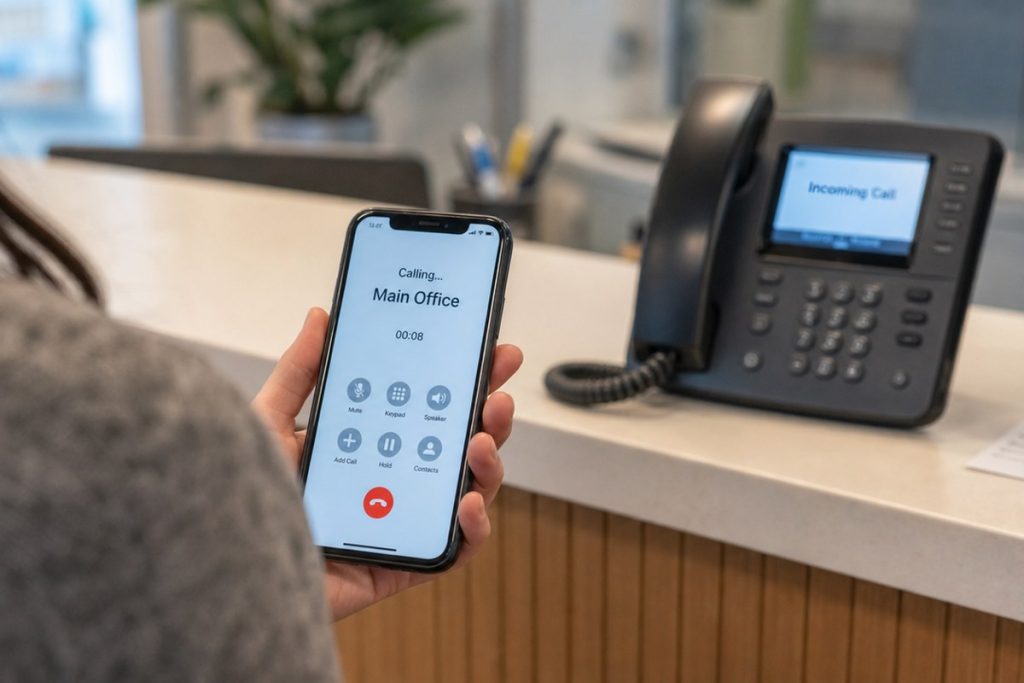
Never assume it works. Call your main number from a cell phone, not an internal extension, and listen like a customer would.
- Does the greeting start quickly and sound clear?
- Does every option ring the right person or group?
- What happens if a caller presses nothing, or presses a wrong key?
- Does the after-hours greeting play when you’re closed?
Repeat the test whenever you change your hours, staff or menu.
Get Help Setting Up Your Phone System
A great greeting is one small part of a phone system that works for your business. 1-800GetConnected is a RingCentral Partner that helps businesses with five or more lines set up RingCentral cloud phones, including auto-receptionist menus, call routing, users and training. We also help with business internet and Managed IT, so your phones have a reliable connection. On-site tech services are powered by 1-800GetATech.com.
Know another business that could use a better phone system? Refer them, and when they sign up, you get a $50 Visa gift card. Terms apply.
Make Every Caller Feel Welcome
Want a hand writing your script or setting up your call menu? Schedule a free 30-minute call to learn how RingCentral can help your business answer every call like a pro.
1-800GetConnected.com is a RingCentral Partner.
Talk to 1-800GetConnected
Book a free 30-minute call or request a free quote for your business.