A missed call is often a missed customer. When you step away from your desk, your business line should keep looking for you, and then for your team, before a caller hears voicemail.
That’s what call forwarding does in RingCentral. This Tech Tip Tuesday walks you through a simple RingCentral call forwarding setup.
Ring All at Once vs. in Order
RingCentral gives you two basic ways to forward calls to your devices. Pick the one that fits how you work.
Ring all at once
Your desk phone, the RingCentral app on your computer and the app on your cell phone all ring at the same time. You answer wherever you happen to be. This works well for owners and managers who move around the office all day.
Ring in order
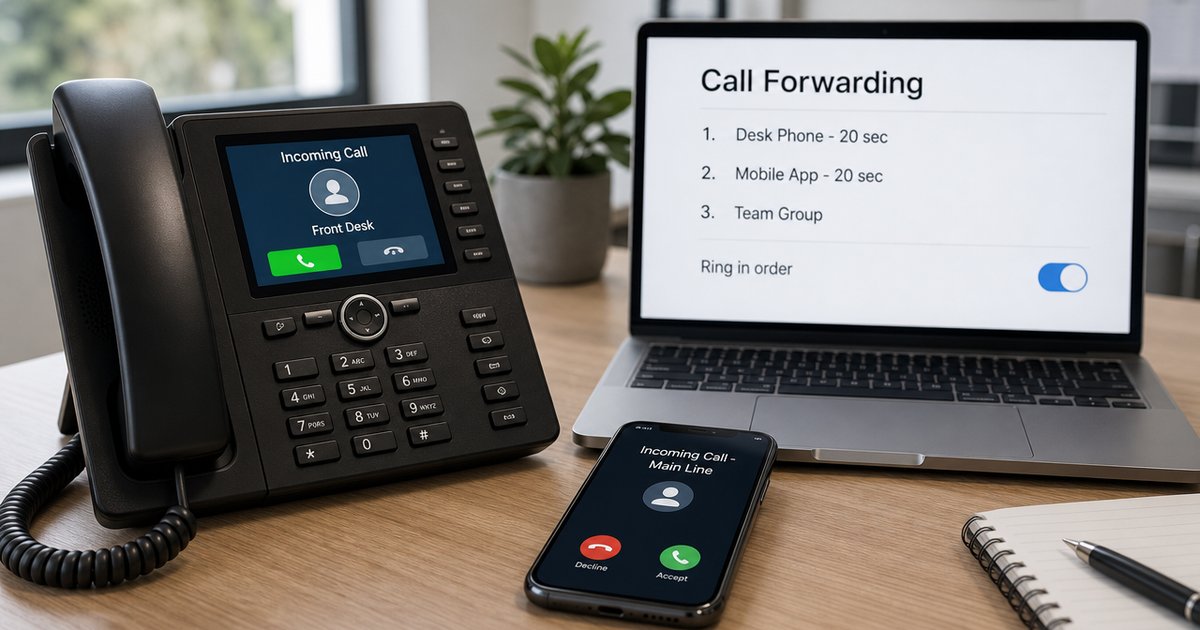
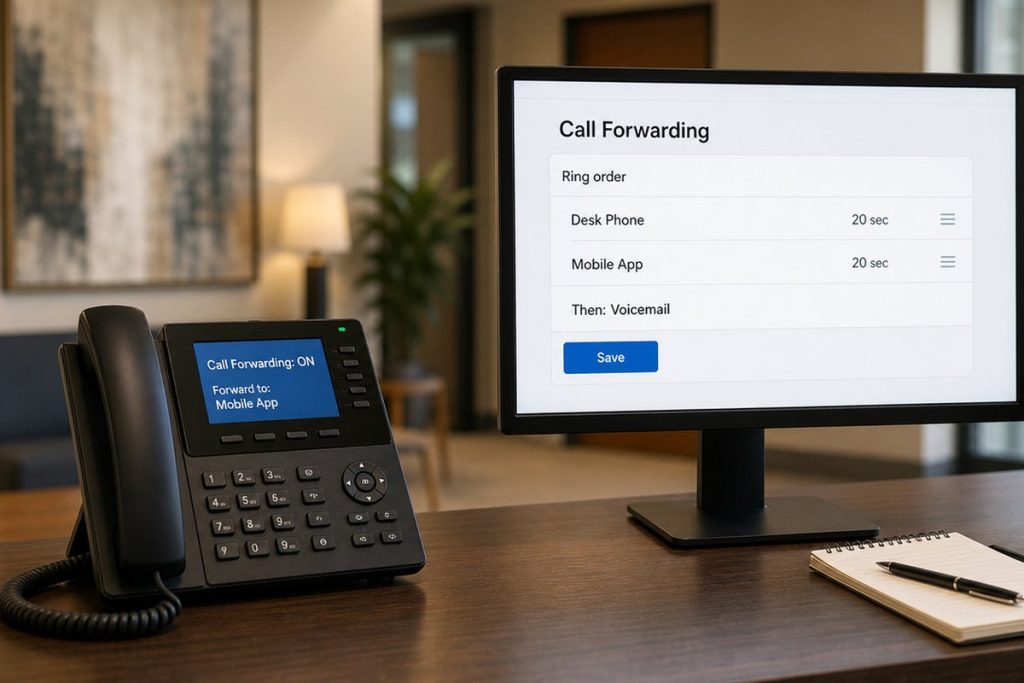
Calls try one device first, then the next, then the next. For example, your desk phone rings first, then your mobile app, then a coworker or team. This is a good fit when you’re usually at your desk but want a backup plan when you’re not.
Add Your Desk Phone, App and Another Number
In the RingCentral app or admin portal, open your user settings and look for the call handling and forwarding section. The exact names and menus can vary by plan and version, so if something looks different, check RingCentral’s help pages or ask us.
From there, you can usually add:
- Your desk phone. Your assigned desk phone typically appears in the list automatically.
- The RingCentral app. Make sure the desktop and mobile apps are signed in so they can ring as well.
- Another number. Add a cell phone, home office line or a coworker’s number if you want calls to reach a phone outside of RingCentral.
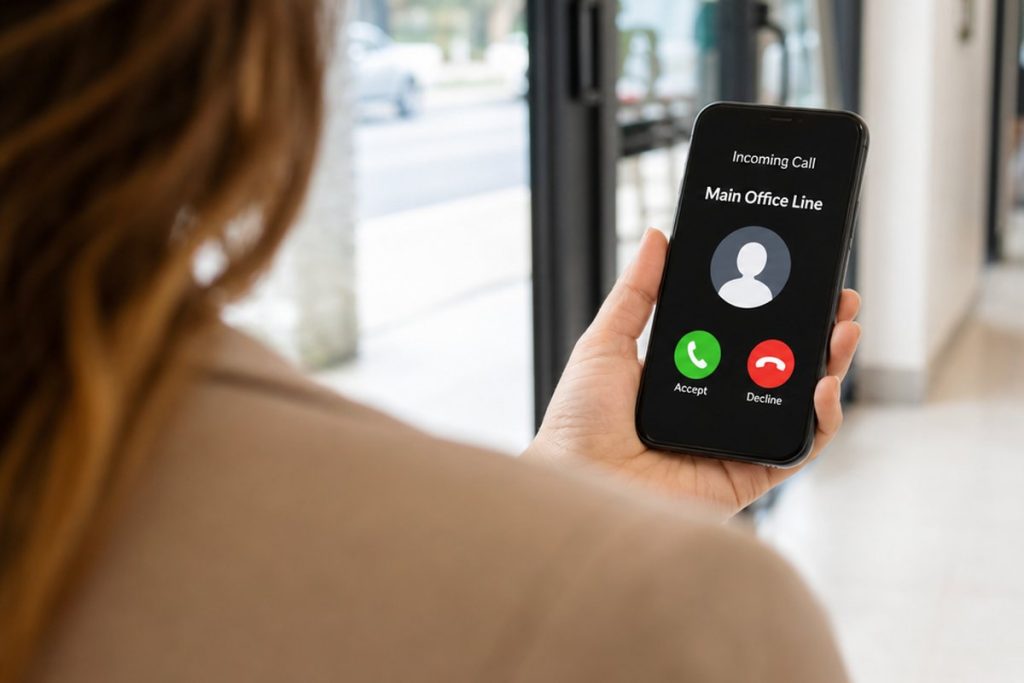
A quick tip: when you forward to the RingCentral mobile app instead of your personal cell number, you can answer as your business, and your personal number stays private.
How Long to Ring Before Moving On
Each step in your forwarding order rings for a set amount of time before moving on.
- Too short, and you can’t reach the phone before it jumps to the next device.
- Too long, and callers wait through ring after ring before reaching anyone.
A good starting point is about four to five rings per step, then adjust based on how fast you usually pick up. Also keep the whole chain short. Two or three steps before voicemail is usually plenty.
Send the last step to your team
If you can’t take the call, the next best thing is a teammate who can. Many businesses make the last step before voicemail a call queue or group, so the front desk or another team member can pick up. If you set up a call queue, add it as the final forwarding step.
Forwarding When You’re Out of the Office
Your forwarding order doesn’t have to stay the same all the time. RingCentral lets you set different rules for business hours and after hours, and you can add custom rules for specific times or callers.
A few common setups:
- During business hours: desk phone, then mobile app, then team.
- After hours: mobile app only, or straight to voicemail with your hours in the greeting.
- On vacation or a day off: forward calls to a coworker who’s covering for you, and update your voicemail greeting so callers know when you’ll be back.
Set a reminder to switch your rules back when you return.
Test It
Never assume your forwarding works the way you planned. Call your direct number or extension from an outside phone, not from inside the office, and don’t answer the first device.
- Does the desk phone ring first, for as long as you expected?
- Does the mobile app ring next and show the call clearly?
- Does the call reach your team or call queue after that?
- Does it end at voicemail with the right greeting?
Test your after-hours rule the same way, and repeat these tests whenever you change your schedule, staff or devices.
Get Help With Your Call Rules
Call forwarding is one part of a phone system that works the way your business does. 1-800GetConnected is a RingCentral Partner that helps businesses with five or more lines set up RingCentral cloud phones, including call forwarding, call queues, auto-receptionist menus, users and training. We also offer business internet and Managed IT, so your phones have a reliable connection. On-site tech services are powered by 1-800GetATech.com.
Know another business that keeps missing calls? Refer them, and when they sign up, you get a $50 Visa gift card. Terms apply.
Never Miss Another Important Call
Need help with call rules? Schedule a free 30-minute call to learn how RingCentral can ring your desk, cell and team in exactly the right order.
1-800GetConnected.com is a RingCentral Partner.
Talk to 1-800GetConnected
Book a free 30-minute call or request a free quote for your business.