When the phone rings at a busy front desk, the next few seconds decide whether a customer feels taken care of or left waiting. RingCentral Cloud Phone Systems give you two common ways to share that work: call queues and ring groups. They sound similar, but they behave differently, and picking the right one for your team makes call routing smoother for everyone.
This Telecom Thursday walks through a RingCentral call queue setup in plain English, when a ring group is enough, and how to tune hold music, overflow and reports so your front desk, host stand or service team can keep up.
Call Queues and Ring Groups in Plain English
A ring group rings several phones at once (or in a set order). The first person who answers takes the call. If nobody picks up, the call follows your next rule, such as voicemail. Ring groups are simple and work well when a small team can usually answer right away.
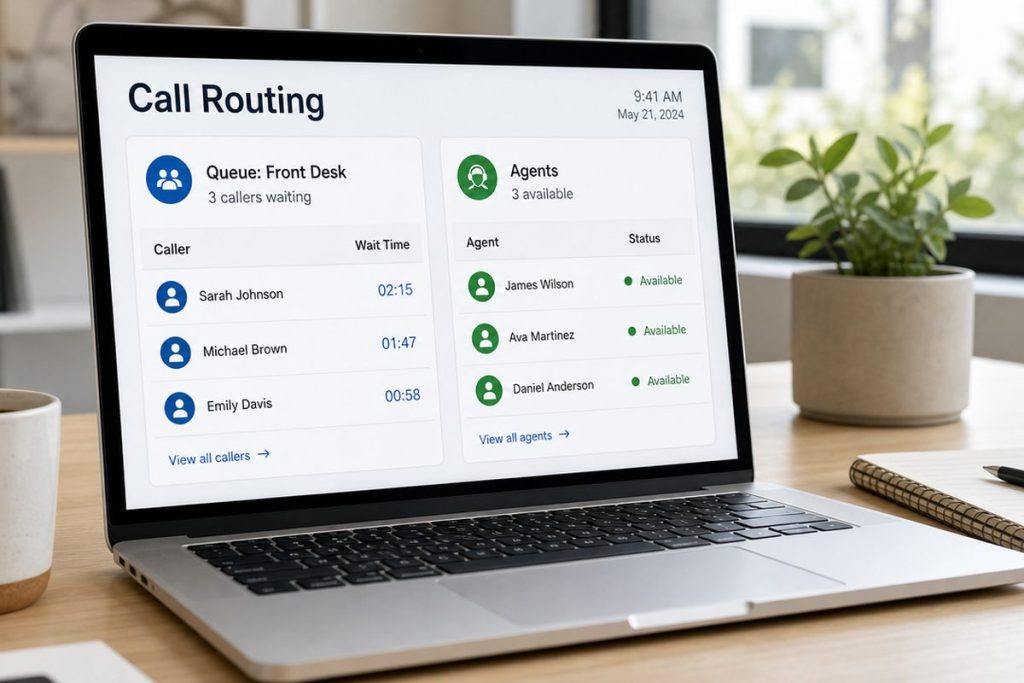
A call queue puts callers in line. While they wait, they can hear hold music or short wait messages. Available agents take the next caller when they are free. Queues are built for busier moments, when you want callers to wait for a live person instead of bouncing to voicemail too quickly.
Both tools live inside RingCentral and can sit behind an auto-receptionist greeting that sends callers to the right place.
Which Fits a Dental Front Desk vs. a Restaurant Host Stand
Think about how your team works during a rush.
Dental office front desk
A dental office often has a small desk team handling scheduling, insurance questions and check-ins. Calls come in waves between appointments. A call queue usually fits better here: callers stay in line with a short wait message, and the next free person answers in order. That keeps one staff member from juggling three ringing phones at once while a patient is standing at the counter.
Restaurant host stand
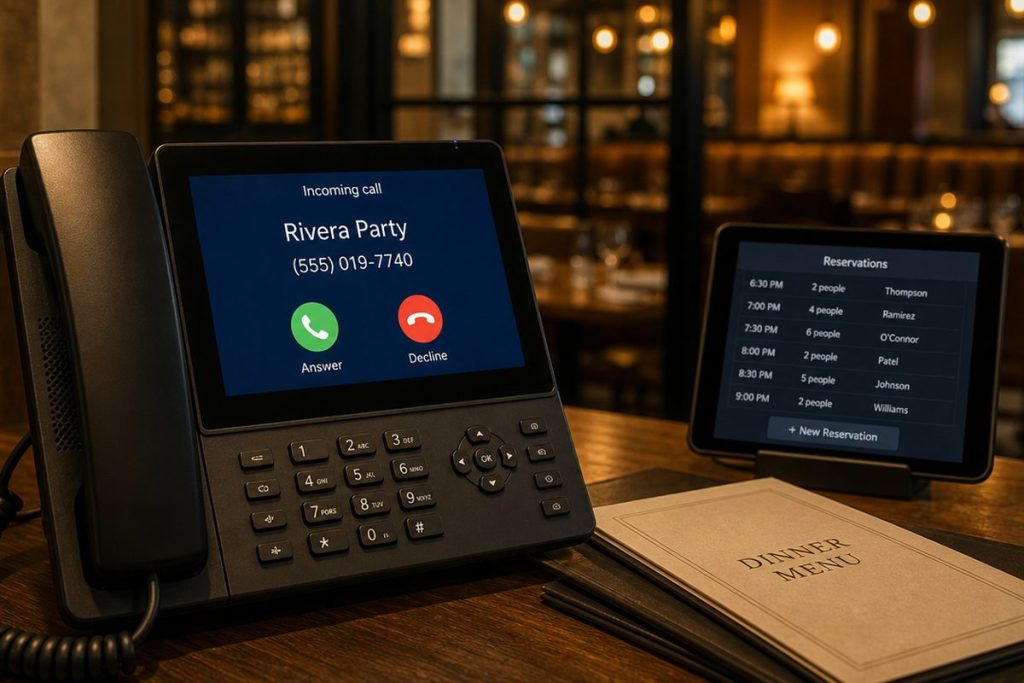
A restaurant host stand may only have one or two people near the phone during seating. A ring group can be a good fit when someone can usually grab the call quickly, for example ringing the host phone and a manager phone together. If weekends get busier and callers often wait, move that same number into a queue so guests hear a brief “please hold” message instead of silence or an early voicemail.
Medical practices, retail shops and service teams can use the same logic: light volume and fast answers lean toward a ring group; steady or spiky volume that needs orderly waiting leans toward a queue.
Hold Music and Wait Messages
If you use a queue, what callers hear matters. Keep wait messages short and clear: thank them for calling, say someone will be with them shortly, and keep hold music professional. Test the experience from an outside phone so you hear what customers hear.
Overflow Rules When No One Picks Up
Even a solid RingCentral call queue setup needs a plan for busy times. Decide what happens when wait time gets long or every agent is unavailable:
- Send to another queue or ring group, such as a manager or back-office team.
- Offer voicemail with a clear “leave a message and we will call you back” prompt.
- Route to a mobile app so a manager can answer on the RingCentral app away from the desk.
Write the overflow path down for your staff, and review it after holidays or busy seasons.
Use Reports to Adjust Your Routing
RingCentral reports show how long callers wait, how many abandon the call, and how many each person answers. Check those numbers every week or two. Long waits may mean you need another agent in the queue during peak hours. Very short waits with idle phones may mean a simpler ring group is enough. Use the data to change hours, add or remove members, or tweak overflow.
Get Help Mapping Your Call Flow
1-800GetConnected is a RingCentral Partner that helps businesses with five or more lines set up RingCentral VoIP, including call queues, ring groups and auto-receptionist greetings. We also help with business internet and Managed IT—Wi-Fi, network design, colocation, Microsoft 365 and cabling—plus Digital Space for social, digital signage and websites. On-site tech services are powered by 1-800GetATech.com.
Know another business that could use cleaner call routing? Refer them, and when they sign up, you get a $50 Visa gift card. Terms apply.
Let Us Map Your Call Flow
Schedule a free 30-minute call and we will help you map your RingCentral call flow the right way.
1-800GetConnected.com is a RingCentral Partner.
Talk to 1-800GetConnected
Book a free 30-minute call or request a free quote for your business.