
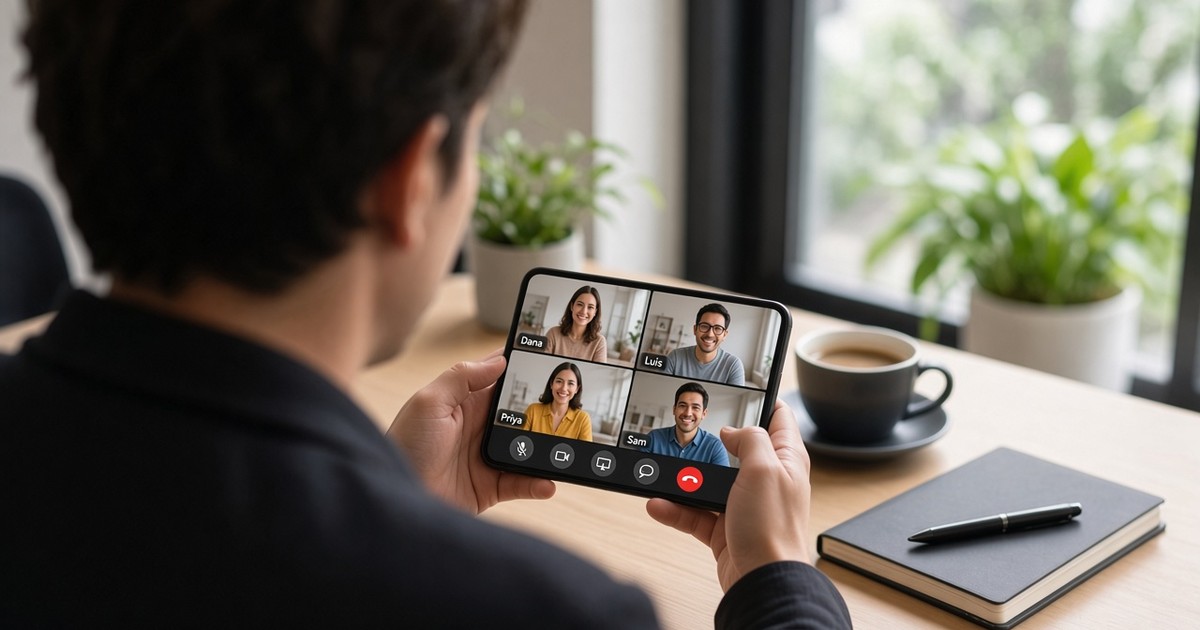
Not every meeting happens at a desk. Sometimes you’re between job sites, waiting in a parking lot, or stuck at the airport when a customer asks, “Can we jump on a quick call and look at this together?”
If your business runs on RingCentral, you don’t need a laptop to say yes. Video meetings are built into the same RingCentral app you already use for calls and texts, so your phone can handle a face-to-face conversation almost anywhere you have a good connection.
This Mobile Monday covers starting and joining meetings, inviting outside guests, and simple habits for looking and sounding professional on the go.
Start or Join a Meeting from the RingCentral App
Your calls, messages and video meetings sit side by side in one app, so there are no extra logins to juggle.
Starting a meeting
From the app, open the video section and start a new meeting. You can turn your video and microphone on or off before you join, which is handy if you want a second to get settled. Once you’re in, you’re the host, and you can invite others right away.
Joining a meeting
Most invitations come with a link. Tap the link on your phone and it should open the meeting in the RingCentral app. If someone gives you a meeting ID instead, you can enter it in the app to join. If an option looks different, make sure your app is up to date.
Invite Customers and Vendors with a Link
You don’t need everyone to have a RingCentral account to meet with them. When you host a meeting, you can share the meeting link with anyone.
A few easy ways to send it from your phone:
- Text it from your business number, so the invite comes from the same number your customers already know
- Email it to a vendor or a group of people
- Paste it into a calendar invite for a scheduled meeting
Guests usually join from a web browser or the RingCentral app. For someone new, send the link a few minutes early so they have time to get set up.
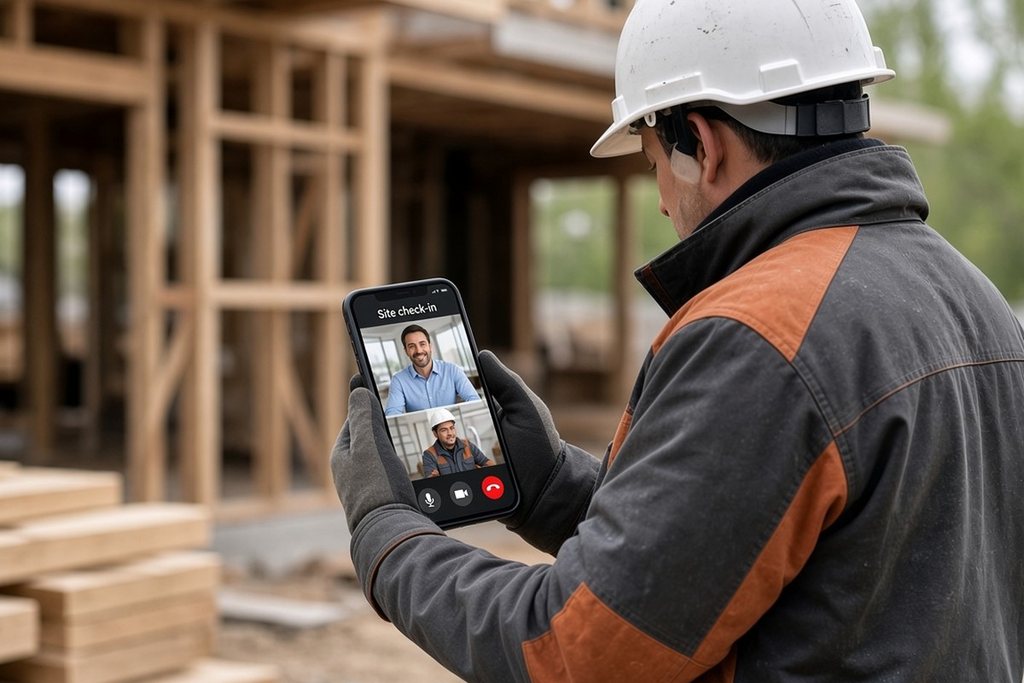
Tips for Clear Audio and Video on the Go
A phone can make a great meeting device. These small habits make a big difference.
Get on a strong connection
Video uses more data than a voice call. If you’re near a reliable Wi-Fi network, use it. If you’re on cellular, find a spot with a strong signal and try not to move between areas while you talk.
Use earbuds or a headset
Your phone’s speaker picks up traffic, wind and everything else around you. Earbuds with a microphone keep your voice clear and the conversation private.
Frame your shot
- Prop your phone up instead of holding it. A small stand or a stack of books keeps the picture steady.
- Hold your phone at eye level so people aren’t looking up at you.
- Face the light. A window in front of you looks much better than a window behind you.
- Check your background before you join, and mute when you’re not talking.
When to Switch to a Laptop
Your phone is great for quick check-ins, customer questions and short team huddles. A laptop or desktop is the better choice when:
- You’ll be sharing your screen for a long time, like walking through a proposal or a spreadsheet
- The meeting is long, and your battery or data could run low
- You need to take notes or look things up while you talk
Your RingCentral account works on all your devices, so you can switch between phone and computer without changing how you work.
Get More from Your Business Phone System
Video meetings are one of the many tools that come with a cloud phone system. When it’s set up well, your team can call, text and meet from one app on any device.
1-800GetConnected is a RingCentral Partner that helps businesses with five or more lines set up RingCentral cloud phones, including the mobile app, users, call routing and training. We also help with business internet and Managed IT, including Wi-Fi, so your connection is ready for video. On-site tech services are powered by 1-800GetATech.com.
Know another business that could use a better phone system? Refer them, and when they sign up, you get a $50 Visa gift card. Terms apply.
Meet Face to Face, Wherever You Are
Your next meeting doesn’t have to wait until you’re back at the office. Schedule a free 30-minute call to learn how RingCentral can keep your team connected from anywhere.
1-800GetConnected.com is a RingCentral Partner.
Talk to 1-800GetConnected
Book a free 30-minute call or request a free quote for your business.